File Upload Guidelines

Century Printworks reviews every file carefully before production to ensure accurate printing and consistent results. Providing properly prepared artwork helps the team move your project smoothly from design to production, avoiding delays and unexpected adjustments.

The following guidelines will help ensure that your files are ready for professional printing.
Preferred File Formats

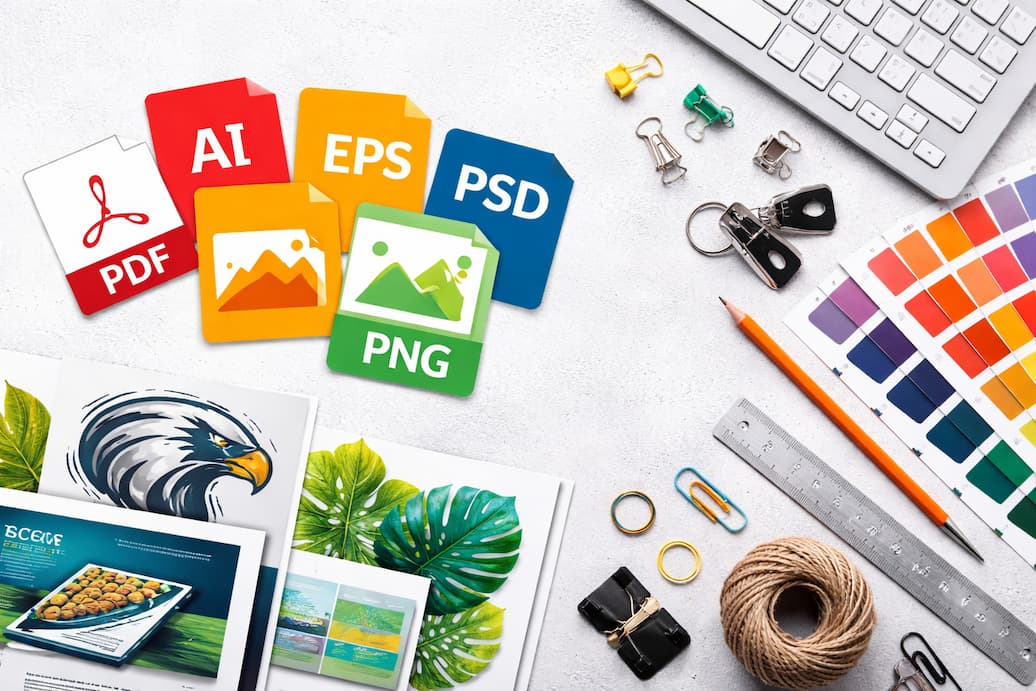
The most reliable file format for printing is a high-resolution PDF prepared for print. Other commonly accepted formats include:
Vector-based files are preferred for logos and graphics because they maintain clarity at any size. If your artwork includes fonts or design elements created in graphic software, convert text to outlines or include the font files when possible.

Resolution Requirements

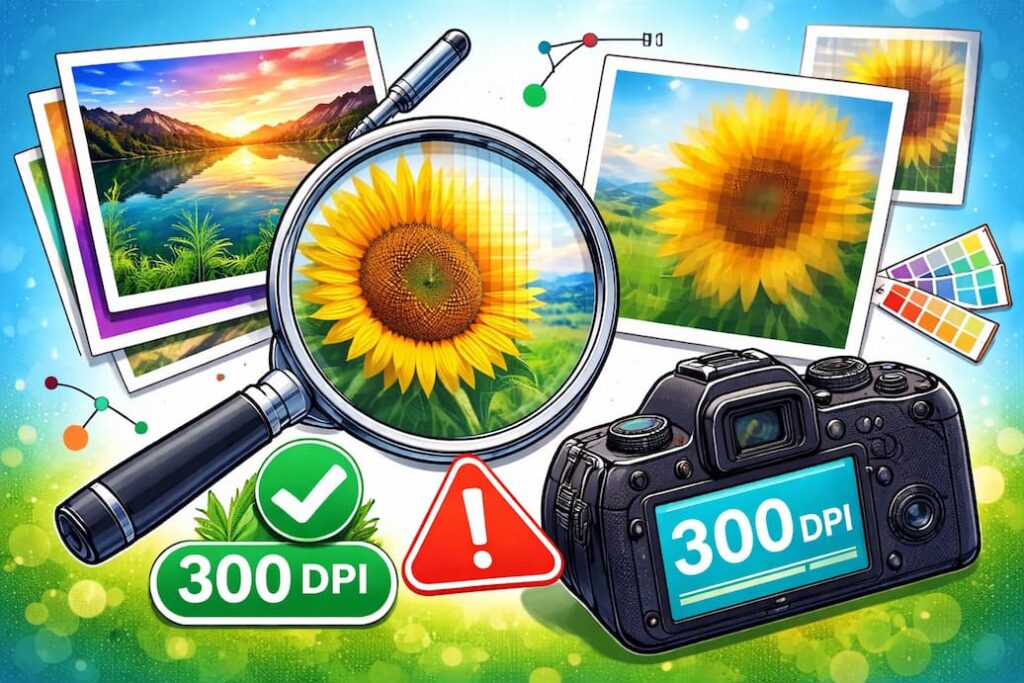
For best results, images should be prepared at a minimum resolution of 300 DPI at the final print size. Low-resolution images may appear blurry or pixelated when printed.
Images downloaded from websites or social media are often too small for print production. If you are unsure about image quality, the team can review the file before printing.

Color Format

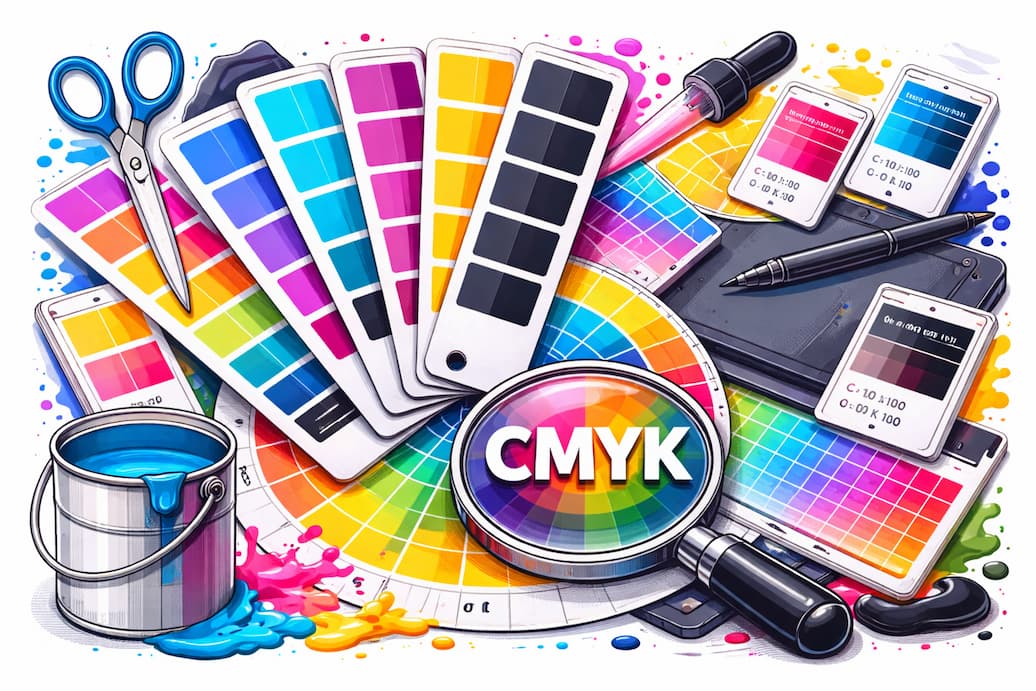
Artwork should be prepared in CMYK color mode, which is the standard for professional printing. Files created in RGB may appear different once converted to print colors.
If color accuracy is critical for branding or marketing materials, include color references or brand color codes when submitting your files.

Bleed and Trim

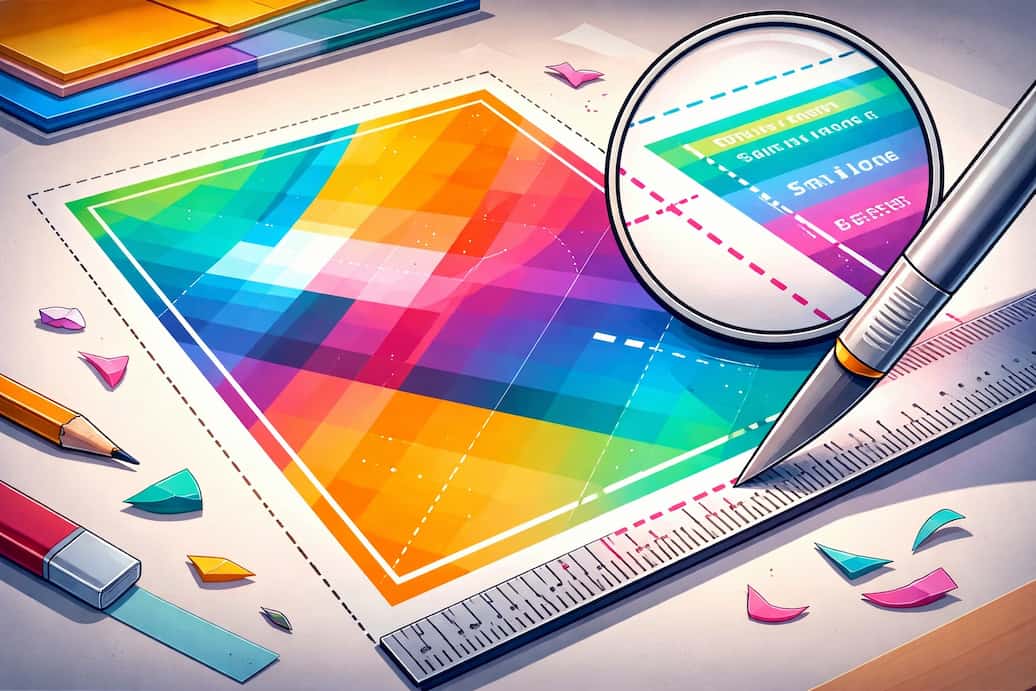
If your design extends to the edge of the printed piece, include a 0.125-inch bleed beyond the final trim size. This ensures that color and graphics extend fully to the edge after cutting.
Keep important text and logos at least 0.125 to 0.25 inches inside the trim line to prevent them from being cut during finishing.

File Size and Layout

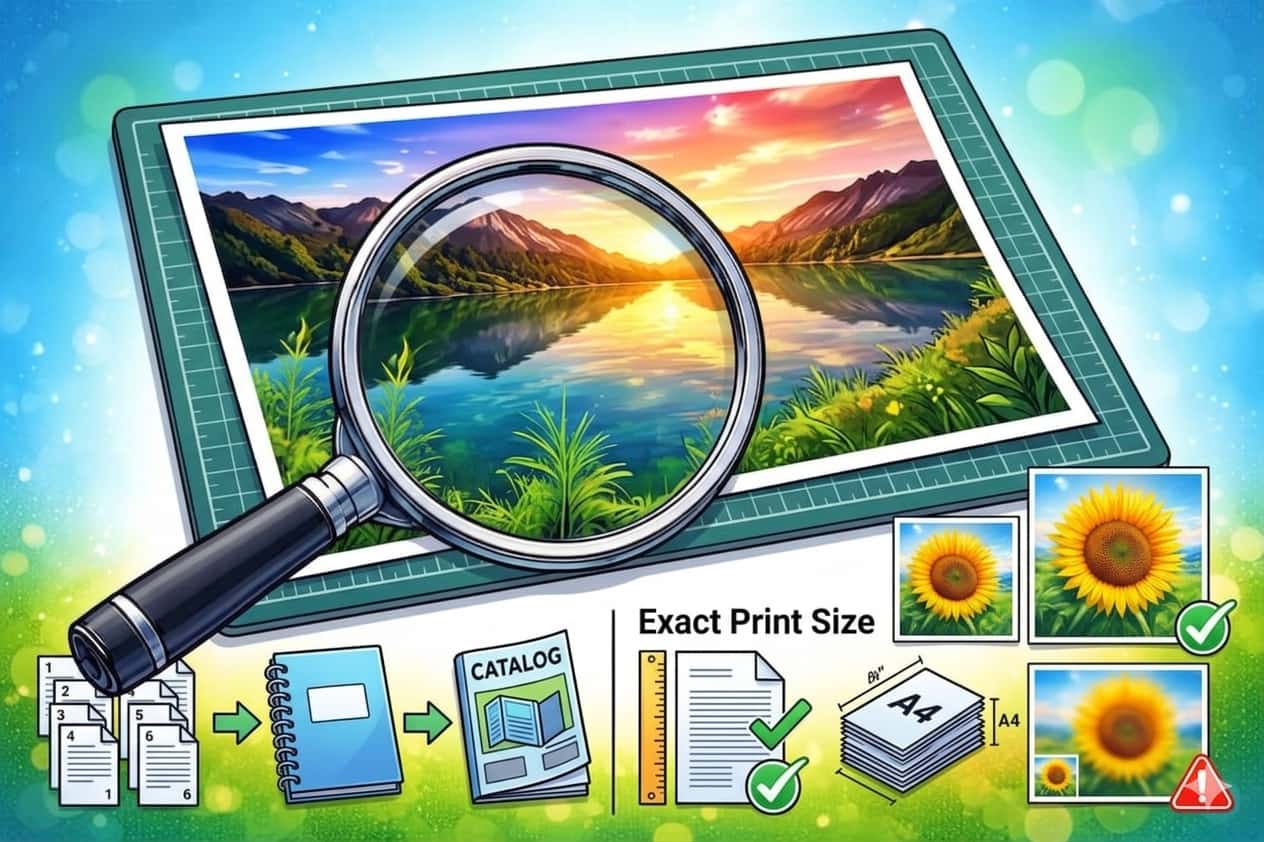
Ensure that the artwork is prepared at the exact final print size whenever possible. Avoid scaling small artwork to larger dimensions, as this can reduce quality.
For multi-page documents such as booklets or catalogs, submit files in page order unless otherwise instructed.

Artwork Review

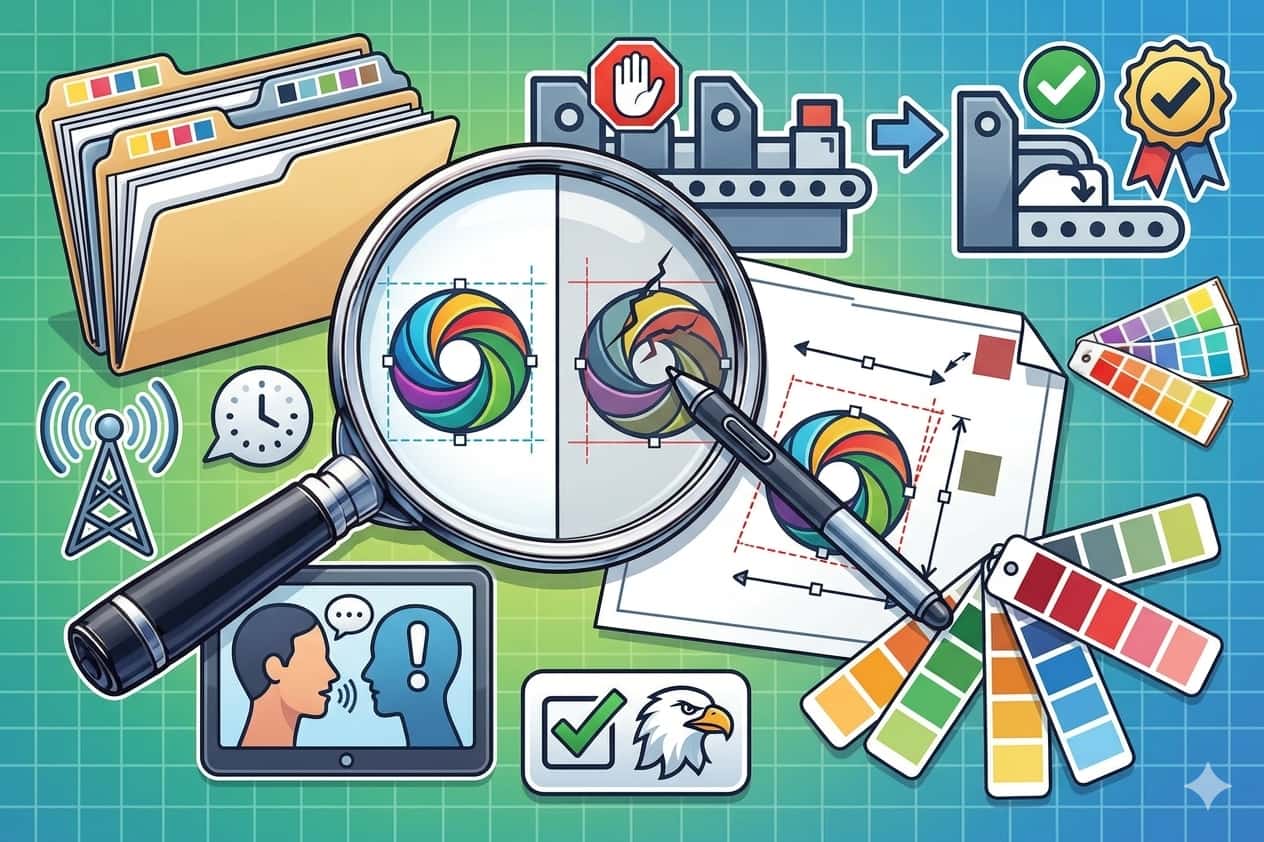
All files uploaded to Century Printworks are reviewed before printing begins. If adjustments are needed for resolution, color format, or layout, the team will communicate with you before production starts.

This review process helps prevent errors and ensures that the final printed product meets professional standards.

Uploading Your Files

Files can be uploaded directly through the Get a Quote or File Upload section of the website. If your artwork files are large, they may also be submitted through a file sharing service or by email upon request.
When uploading files, include the following information:

Providing complete details helps the Century Printworks team prepare your project accurately and move it into production without delays.